What clients see
What your clients see.
Your name, your logo, your color. Never ours. Five kinds of page, all built for a phone.
Campaign pack review
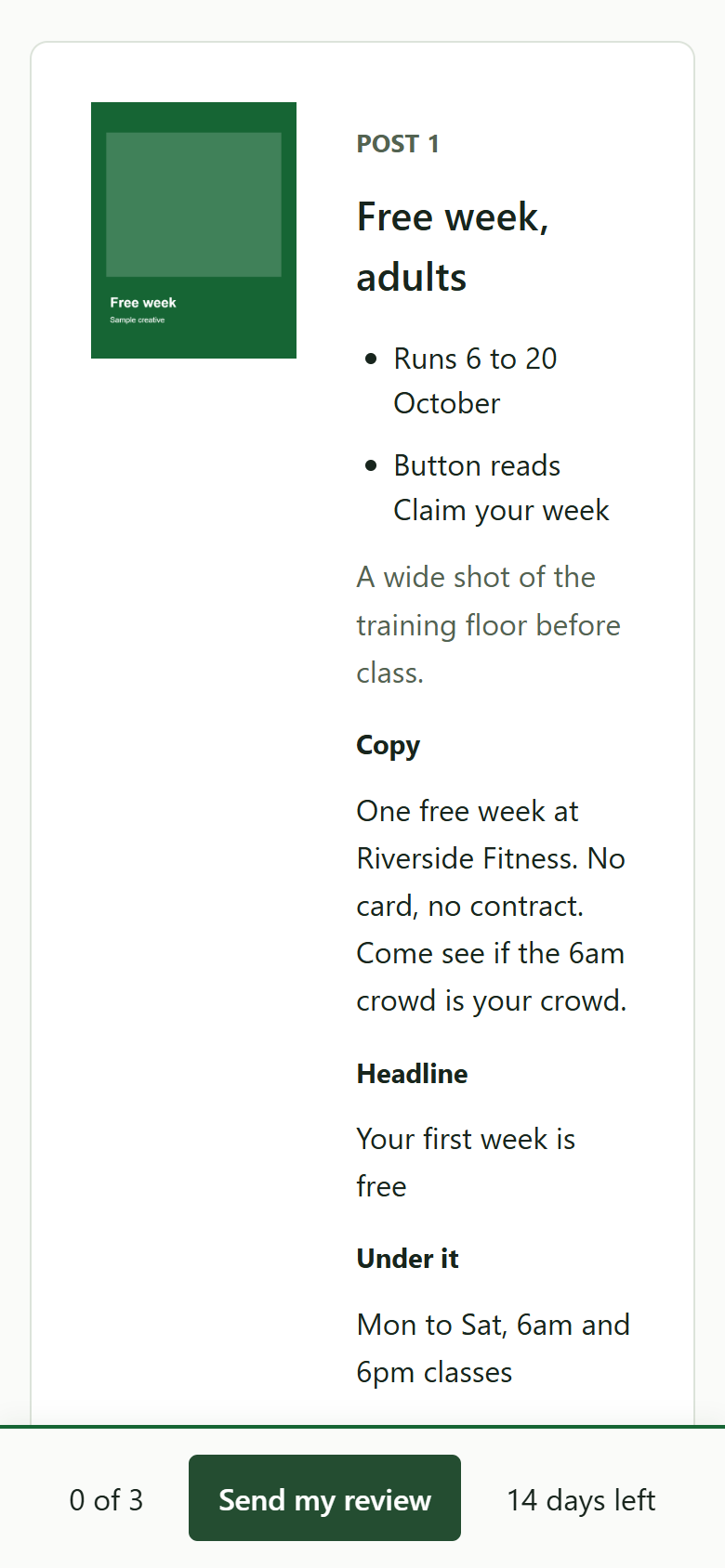
The round, one item at a time. The image or video, a switch between the feed and story crops when both exist, the copy beside it, and any question you want answered about that item. Under each item, three choices and a comment box that opens when they pick a change. A bar at the bottom counts decided items and holds the Send button.
What you get back
Every decision, every comment, a transcript, and the approved items locked so nobody touches them in round two.
Site sign-off
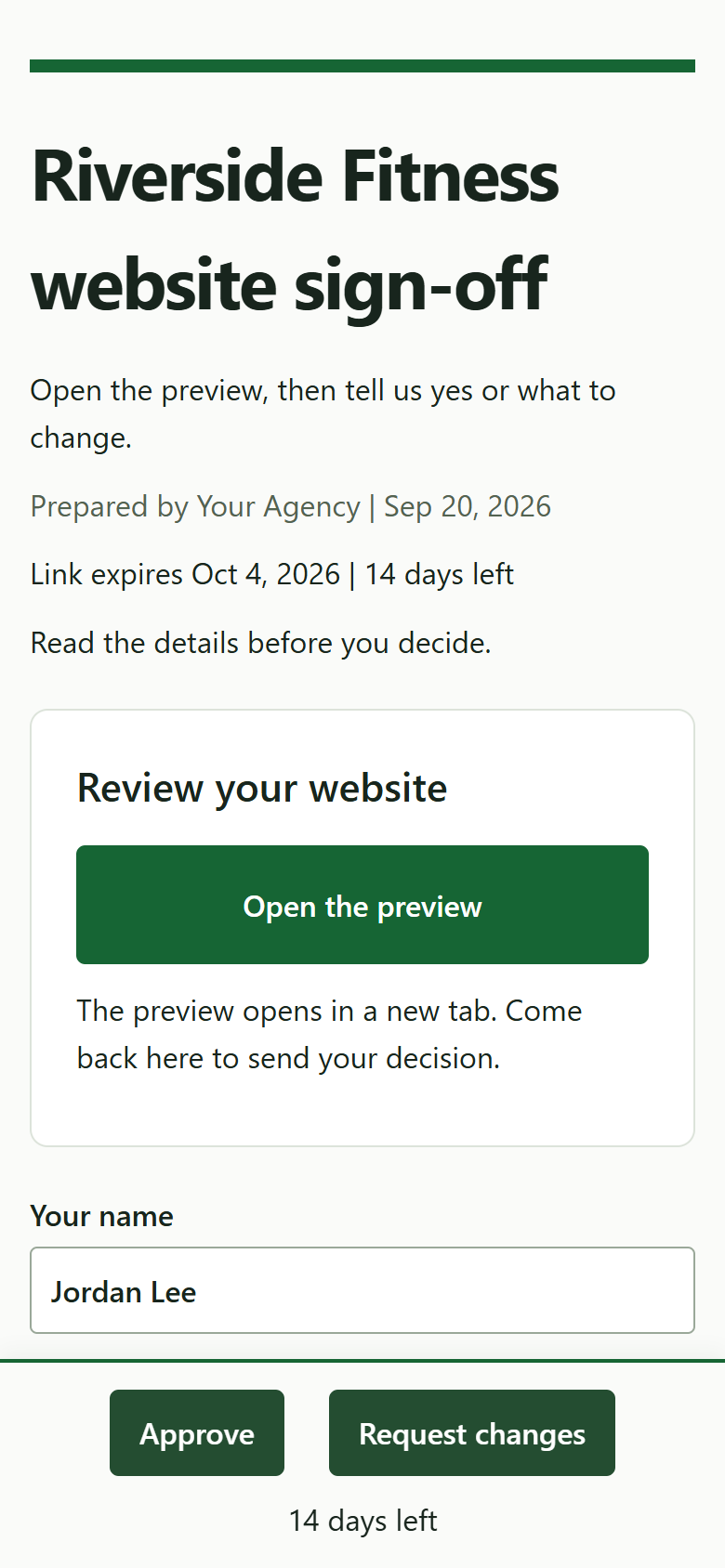
One page. Their preview site opens in a new tab, never in a frame. Two buttons: Approve, and Request changes with a comment. After Approve they see a receipt of what they approved and when.
What you get back
The decision, the comment, and a seven-day clock when they asked for changes.
Intake
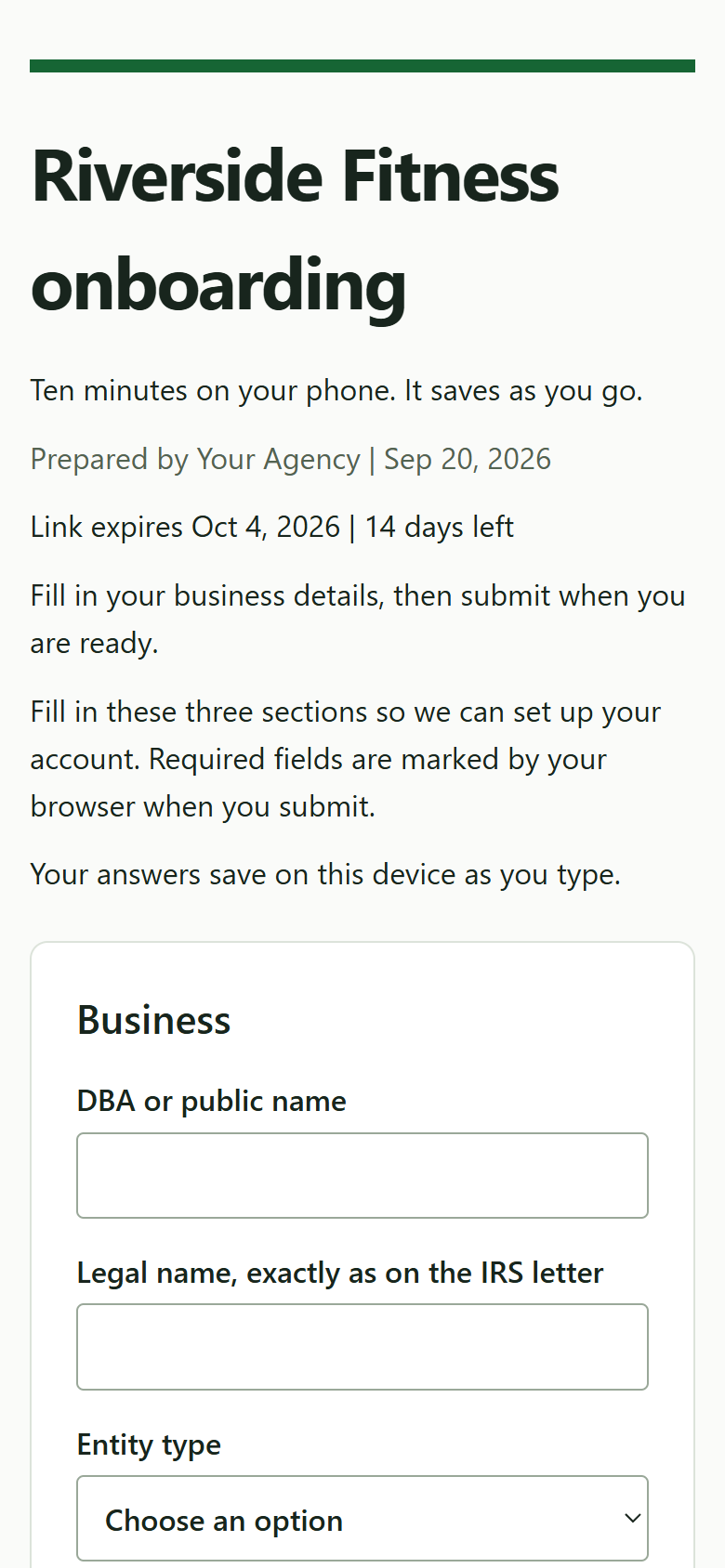
The onboarding questionnaire in three parts: the business, the texting details, and what you need from them to start their reviews and their website. A logo and up to four more files. The consent line for texts sits under the mobile field, with your agency name in it. Everything saves in their browser as they type. One Submit, and the link is done.
What you get back
Every answer in the client folder and in HighLevel, the files, and the transcript.
Setup guide
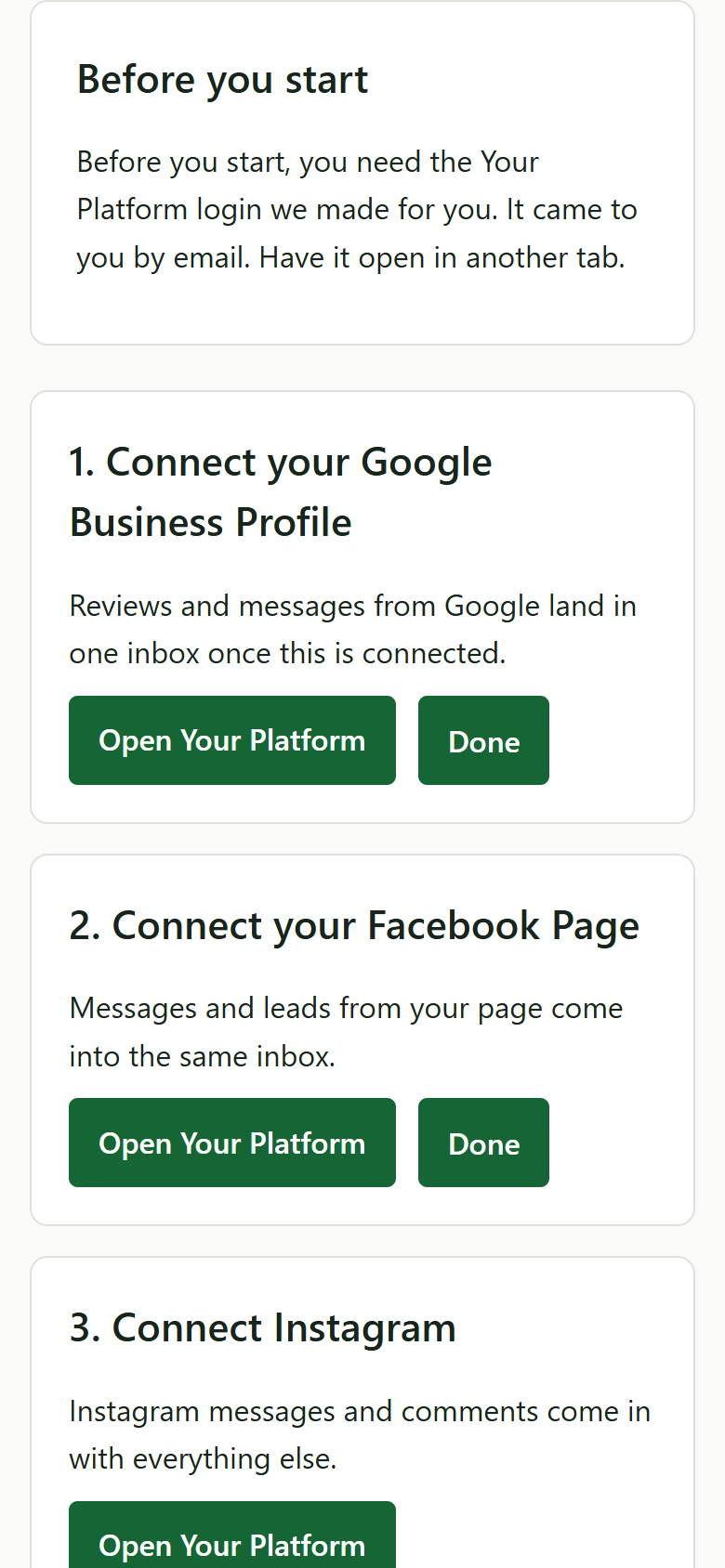
The steps a new client must do inside their HighLevel account: connect Google Business Profile, connect Facebook, connect Instagram, confirm hours and categories, confirm who gets review alerts, confirm the text opt-in sentence is live, connect other listings. Each step has a one-line why, a button into the right screen, Done, and Skip where the step is optional. The required ones can't be skipped.
What you get back
A webhook per step and one when the required steps are done. You can mark a step done from admin when you did it for them.
Feedback
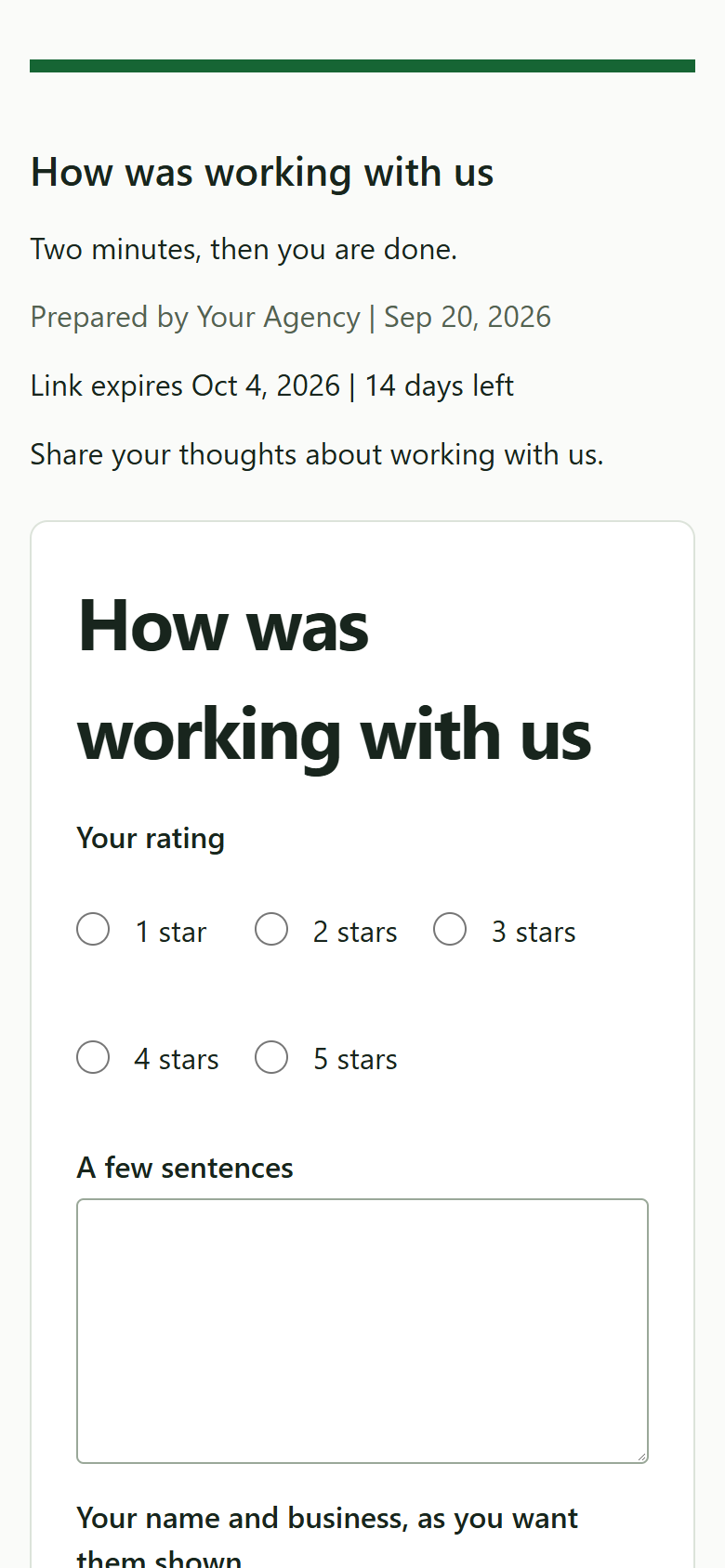
"How was working with us." Five stars, a few sentences, their name and business as they want it shown, and a permission checkbox. The wording they agreed to is saved with the time they agreed. After Save, one button: Post this on Google. It shows for every rating. One star included.
What you get back
The quote, the permission, the timestamp, and whether they pressed the Google button.